Activity Merger
Merge split Garmin activities back into one, with a preview before anything is deleted.
- Category
- Hobby
- Type
- Website
- Year
- 2026
- Stack
- Next.js · TypeScript · Garmin FIT SDK · JOSE · OAuth 1.0a · Leaflet · Zod · Vitest · Vercel
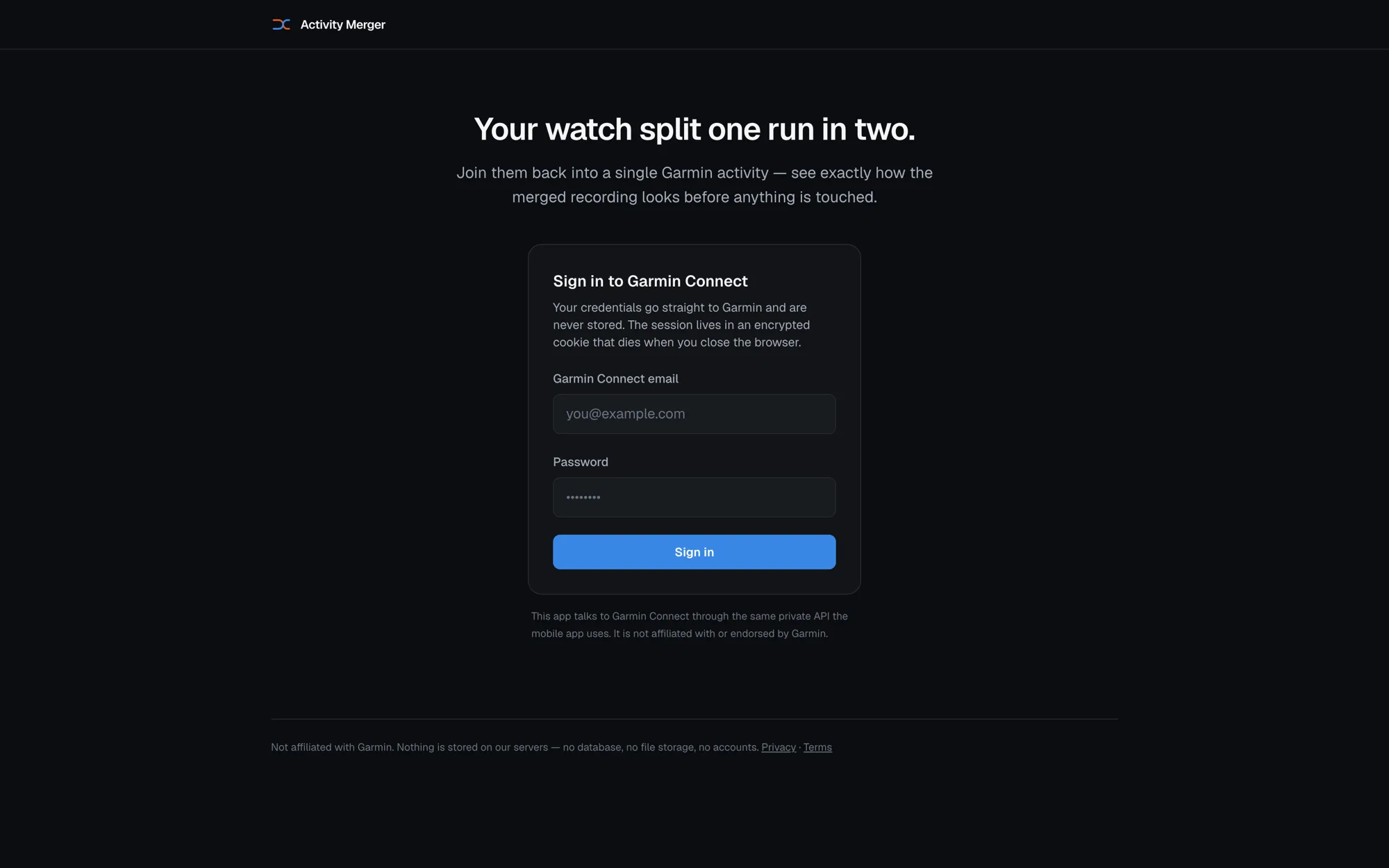
Watches split runs in two. An auto-pause hangs, you stop and start by accident, the battery dies, a multisport mode guesses wrong. Garmin Connect gives you no way to put the pieces back together. This does.
You sign in, pick the recordings, see the merged activity before committing to it, then slide to confirm. Confirming saves the untouched originals to your machine first, and only then deletes them from Garmin and uploads the merged file.
Designed around a destructive action
The whole thing is an exercise in being careful with someone else's data. There is no database, no object storage and no accounts. Garmin tokens live in an encrypted JWE httpOnly cookie with no max-age, so closing the browser signs you out. Credentials go to Garmin and are never written down.
The preview runs the real merge in memory and charts the result, so what you approve is byte-for-byte what gets uploaded. Nothing is deleted until the backup save is a fact, and where the browser supports the File System Access API the write is awaited. Where it does not, the flow stops and asks you to confirm the file arrived, because a download link returns while the browser may still be asking permission.
The one rule about time
The merged activity always follows real-world time. Timestamps are copied through exactly as recorded. A gap between two recordings is never closed by shifting the second activity earlier, never compressed and never filled with invented samples. It is written into the file as a pause, which is how a watch records one.